Useful Tools
Over the years I’ve built many useful, quality open source tools. These
are the most important. All are native, standalone, compiled applications,
and except w64devkit, all multi-platform.
w64devkit: comprehensive development suite for Windows
Not just one tool, but a collection of hundreds of 100% native software
development tools for developing native C, C++, and Fortran software on
Windows. It is distributed as a small 7z archive that unzips and runs in
place (“portable”) requiring no install nor uninstall. It has everything
you need to develop robust, efficient, professional software on Windows.
dcmake: a GUI debugger for CMake
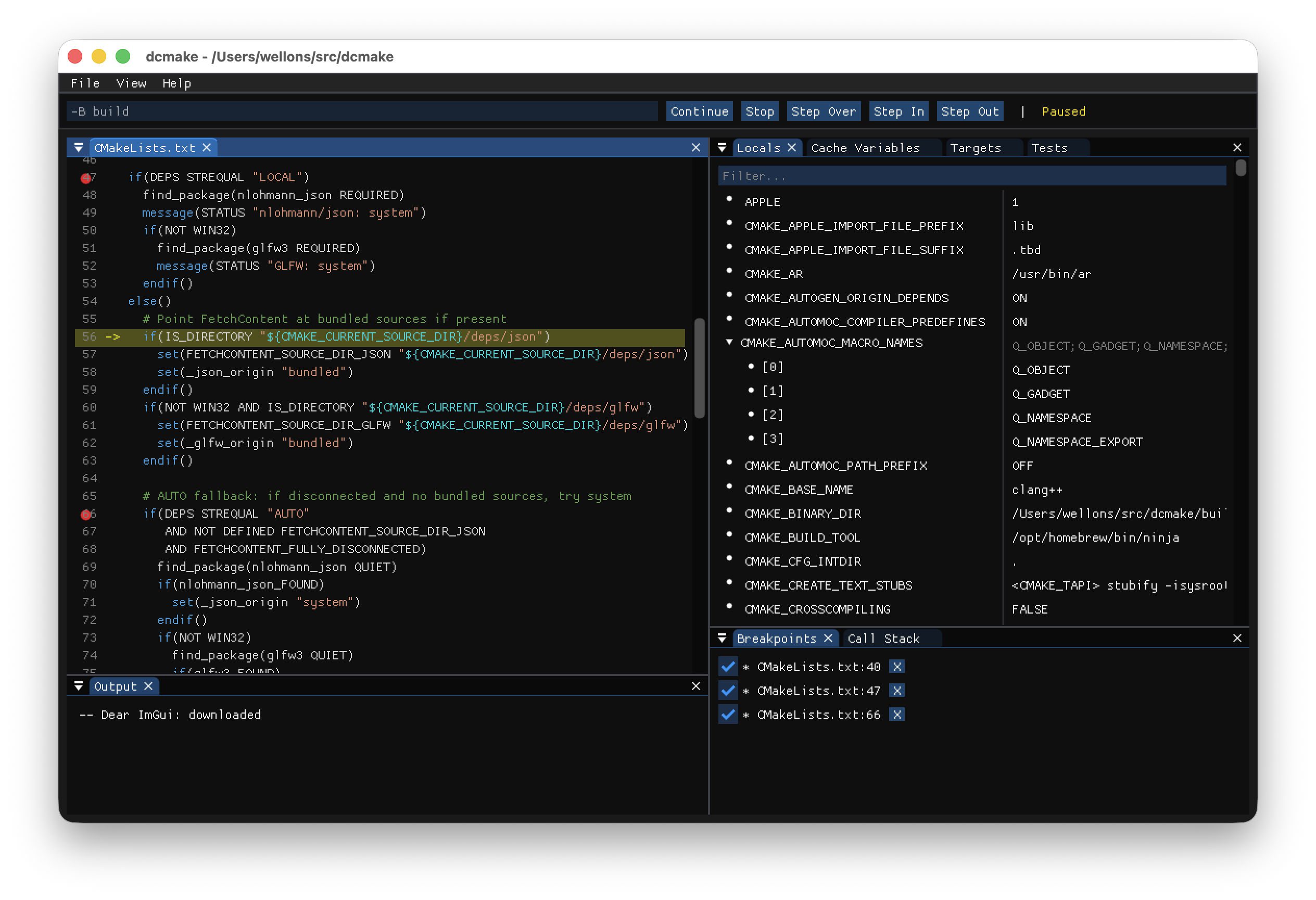
Prefix cmake with d when running a CMake configuration to drive the
configuration through a Imgui interface. Step through CMakeLists.txt,
and other configuration sources line by line, inspecting variables and
other state as they change. It’s great for understanding and debugging
CMake builds, and you’ll miss it when using other build systems. dcmake is
included in w64devkit.
Elfeed2: web feed reader application
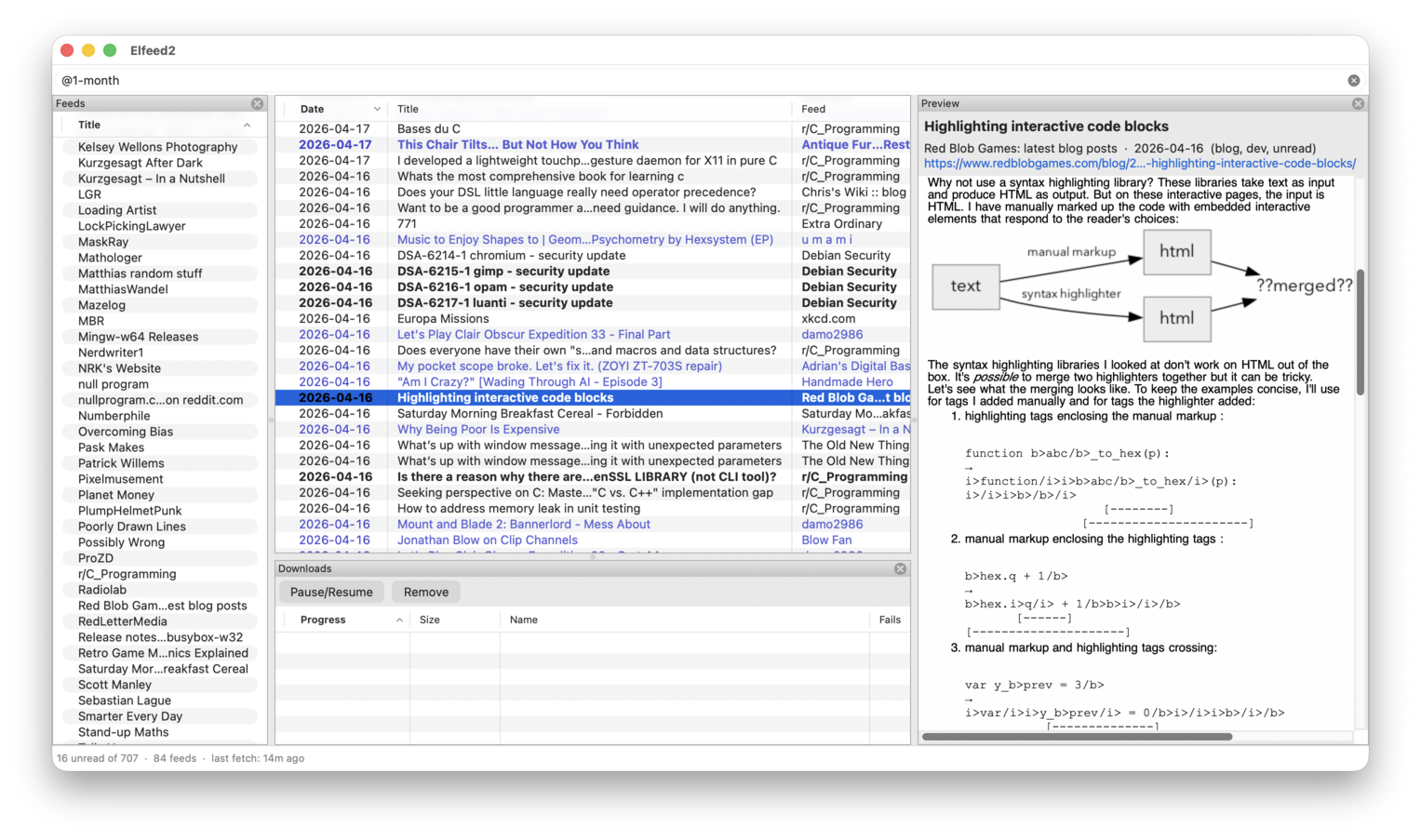
The official successor to Elfeed in the form of a native, standalone
GUI application. It embodies the same keyboard-driven UI philosophy and
“filter” UI for viewing chosen subsets of your feeds. Supports all major
operating systems.
aas-sign: code signing for Windows via Azure
A command line tool for interacting with Azure Artifact Signing. Unlike
the official Azure command line tool, this is a fast, native, standalone
program, specialized in requesting and attaching Authenticode signatures.
Every Windows executable I distribute is signed with aas-sign. It’s also
been adopted by Msys2.
u-config: a minimal, portable pkg-config clone
“micro-config” is a small, highly portable pkg-config / pkgconf
clone with first-class Windows support. Integrated into
the w64devkit toolchain, and a drop-in replacement on other platforms. It
is the most robust, most performant, most tested pkg-config available.